Showing posts with label engrave. Show all posts

Monday, December 5, 2016

Draven Ashorn-Hejl: Box Project - Starlight


Concept: For the box project, after seeing people make boxes to use for things I decided I wanted to try that. One thing that's very common in the homes of my family are small light features, like candles and decorative lights. Also, the running theme in my family's homes tends to be rustic, western style decor. Thus, with this project I decided to make a box to serve as a light feature I could give to my family that would fit in with their decor, and to that end I went with an idea common in western stories: the celestial bodies, namely the Sun, Moon, and Stars.


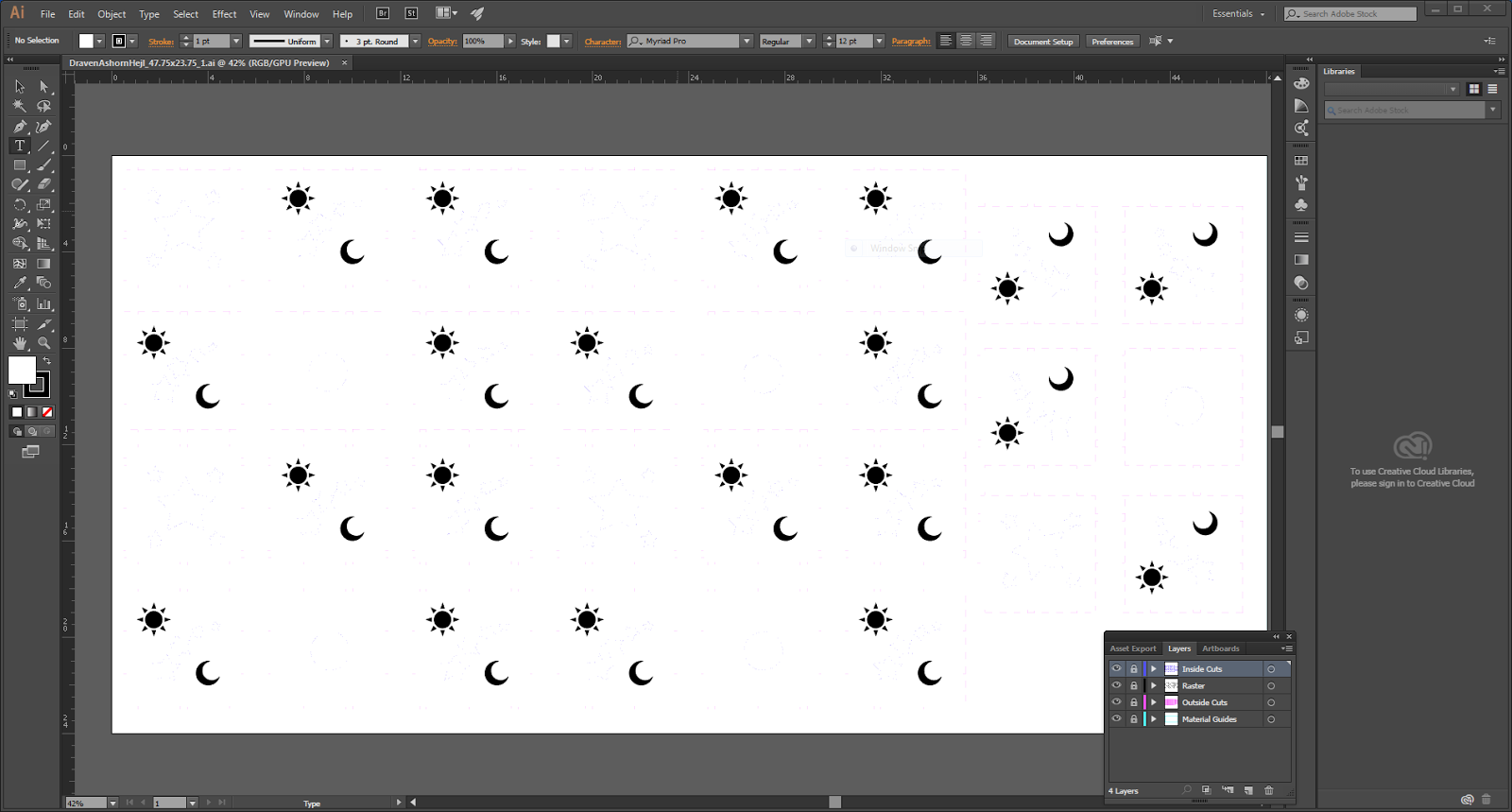
Techniques: I used Box Maker to create the outer shape of the box panels, then imported that into Illustrator, where I added the Star shapes for inner cuts and added vector images of the Sun and Moon for raster engraving, and also cut a hole in the bottom to place an electric tea light to light the box.


Materials: I bought a sheet of plywood from Home Depot that was just barely smaller than the laser cutter window for the material for the box itself (out of which I got 5 boxes), and used the UTD Fab Lab's laser cutter to do the cutting and engraving of the panels. I then used superglue to ensure the boxes held together and added a small electric tea light for the illumination.

Draven Ashorn-Hejl: Laser Engraving Project - Skateboard


Concept: Ever since I was little playing Tony Hawk's Pro Skater 2 on rented PlayStations I'd wanted my own custom skateboard like all the skaters had, with a cool design based on their personal branding. With this project I finally got to fulfill that wish and designed a board based on my personal branding that I've built up online. For a while I had trouble coming up with what to put on the board besides my branding (just like real skaters) and a hex grid (because hex grids are cool), but then it hit me: I could make a tableau listing my completed projects, so that when I had the board kicked up and in hand like a cool skater it would serve as a list of my accomplishments while proudly displaying the branding I had completed them under.


Technique: I used Illustrator to design the board, using layering, masking, and some numerical parameter tweaking to get everything just right and all fitting onto the board. All of the engraving done by the laser cutter was done raster style at maximum depth for a solid, deep engrave.


Materials: I bought one of the skateboards Professor Scott recommended because I trust his judgement, and used the laser cutter at the UTD Fab Lab to handle the engraving.

Thursday, April 28, 2016

Victoria Mayfield: Elephant Engraving


Concept: When I first began brainstorming ideas for my laser engraving I wanted to do something that incorporated my love for modern art. After brainstorming and looking at reference ideas for modern art, I decided I also wanted to incorporate my favorite animal, the elephant! I also decided I wanted there to be contrast in each line stroke within the elephant shape, and with the shapes I wanted to surround my modern elephant. 


Modeling: I used a few modeling techniques to create this design, but mostly it was the curve tool. I was able to use the PictureFrame command to bring in my reference drawing of the elephant with geometric lines all across it. Then use the curve tool to outline the elephant body and the lines inside. I decided I wanted to create contrast within the body by having the interior geometric lines be different depths. This didn’t really pay off because the different depths are not as apparent as I had initially wanted. 


Materials: I used a .25 thick MDF plywood to engrave on. I wanted the piece to have some weight to it, which is why I chose the thicker cut. However, I also liked how the MDF reacts to the laser and leaves a somewhat burnt edge, but not black residue like with lower quality wood. Overall, I am pleased with the outcome. From here, I would like to use water colors to add a pop of color and to emphasize the elephant and the bubbles. I would like to leave the area around my elements bare, and put a lacquer on it to emphasize the wood grain.